

Claim your FREE WED Page & WED Directory Listing
or upgrade to a GOLD, PLATINUM, or DIAMOND RING for premium features & priority placement.
Click here to add a badge to your own website and link to your WED page
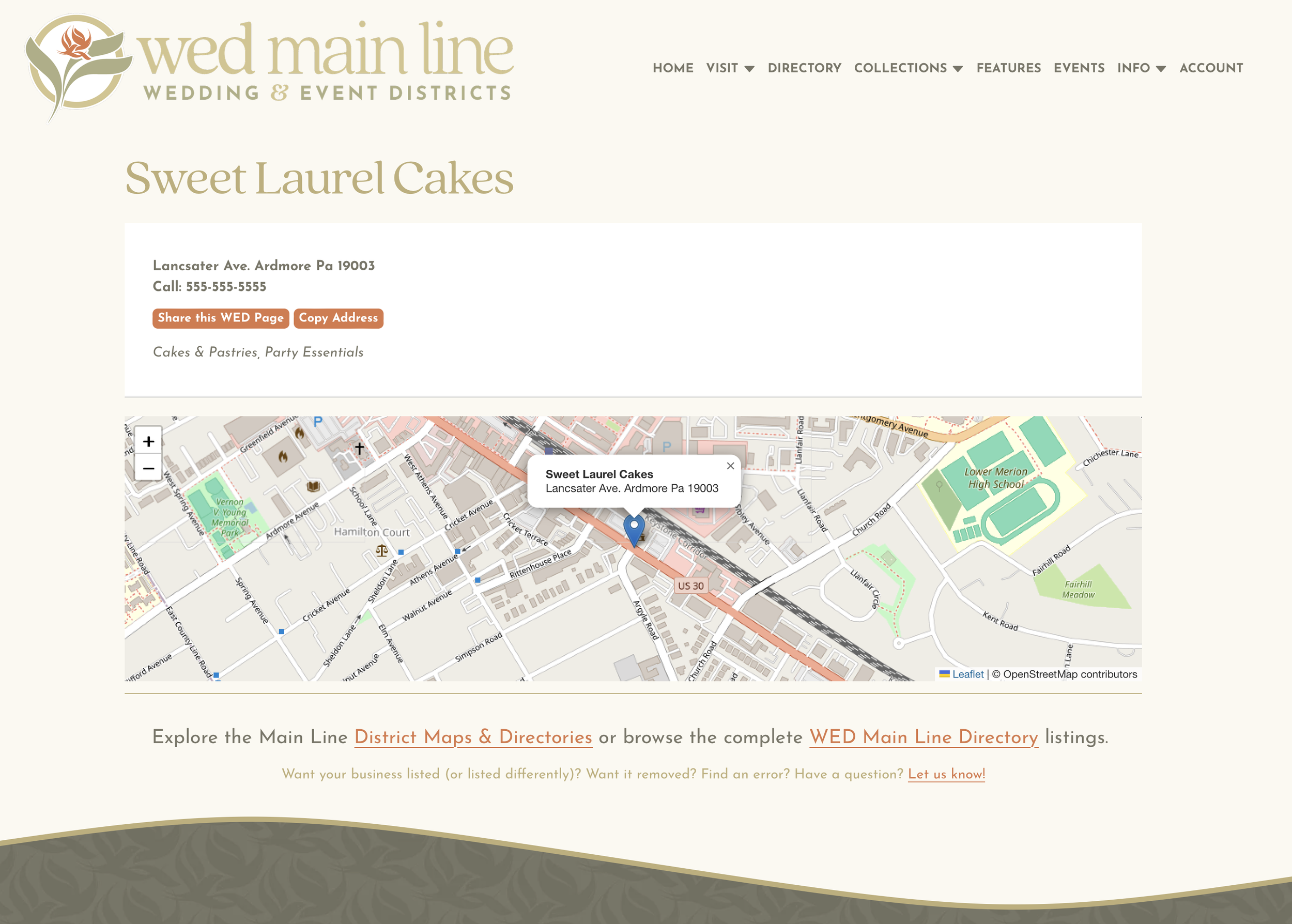
UPGRADE for more features:
Website link
Business description
Search keywords
Photo
Video
Premium and prioritized directory placement
Year-round targeted promotion, marketing support, and networking opportunities.
FREE WED PAGE & LISTING includes:
Business name
Address
Phone
2 Categories
Map placement
Claim your WED Page & listing:
(Check to see if our research team has already included you.)
Improve your Wedding & Event District presence, engagement & reach with Premium Vendor Ring Features


IMPROVE CONNECTION & QUALIFIED LEADS: Add a Business Description (Included with GOLD, PLATINUM, & DIAMOND VENDOR RINGS.) UPGRADE
IMPROVE TARGETED SEARCH: Add Search Keywords (Included with GOLD, PLATINUM, & DIAMOND VENDOR RINGS.) UPGRADE
IMPROVE SEO: Add a Website Link (Included with GOLD, PLATINUM, & DIAMOND VENDOR RINGS.) UPGRADE
INCREASE VISIBILITY: Add a Photo (Included with GOLD, PLATINUM, & DIAMOND VENDOR RINGS.) UPGRADE
INCREASE ENGAGEMENT: Add Video (Included with DIAMOND RING.) UPGRADE
LINK YOUR WEBSITE TO YOUR WED PAGE
Let the world know you’re a part of the Main Line’s Wedding & Event Community by adding a badge to your own website.
These graphics link to your WED Page at WEDMainLine.com and will help drive additional traffic to your listing for more potential customers.
COPY & PASTE the code below to the HTML on your website. It should work on most platforms (Squarespace, Wix, Wordpress, Shopify, etc.).
If you’d like to link directly to your listing:
FIND your listing in the VENDOR INDEX
GO to your WED Page and
CLICK “SHARE LINK” to copy the page URL.
PASTE that URL in place of the exiting href (in orange). (It should look like https://www.wedmainline.com/#your-business-name.)
RESIZE the badge as desired by adjusting the img width pixels (shown in bold).
In SQUARESPACE (or similar web design systems): NAVIGATE to the appropriate page in your website editor. Click EDIT. Add a CODE BLOCK and position it as desired. COPY & PASTE the badge embed code into the block.
“AS SEEN ON WED MAIN LINE” BADGE
To add this badge and link to WED Main Line on your website, embed this code:
<div style="text-align: center;"><a href="https://www.wedmainline.com/#your-business-name" target="_blank" rel="noopener"><img width="200px" src="https://www.wedmainline.com/vendorbadge" alt="As seen on WED Main Line — Visit us at WEDMainLine.com" /></a></div>
“VISIT US AT WED MAIN LINE” BADGE
To add this badge and link to WED Main Line on your website, embed this code:
<div style="text-align: center;"><a href="https://www.wedmainline.com/#your-business-name" target="_blank" rel="noopener"><img width="200px" src="https://www.wedmainline.com/visitusbadge" alt="WED Main Line Vendor — Visit us at WEDMainLine.com" /></a></div>
WED MAIN LINE FLOWER LOGO BADGE
To add this badge and link to the WED Main Line homepage, embed this code:
<div style="text-align: center;"><a href="https://www.wedmainline.com" target="_blank" rel="noopener"><img width="200px" src="https://www.wedmainline.com/golddirectorybadge" alt="WED Main Line Vendor — Visit us at WEDMainLine.com" /></a></div>
WED MAIN LINE LETTER LOGO BADGE
To add this badge and link to the WED Main Line homepage, embed this code:
<div style="text-align: center;"><a href="https://www.wedmainline.com" target="_blank" rel="noopener"><img width="200px" src="https://www.wedmainline.com/wedletterbadge" alt="WED Main Line Vendor — Visit us at WEDMainLine.com" /></a></div>
GOLD, PLATINUM, & DIAMOND RING vendor badges are available here.